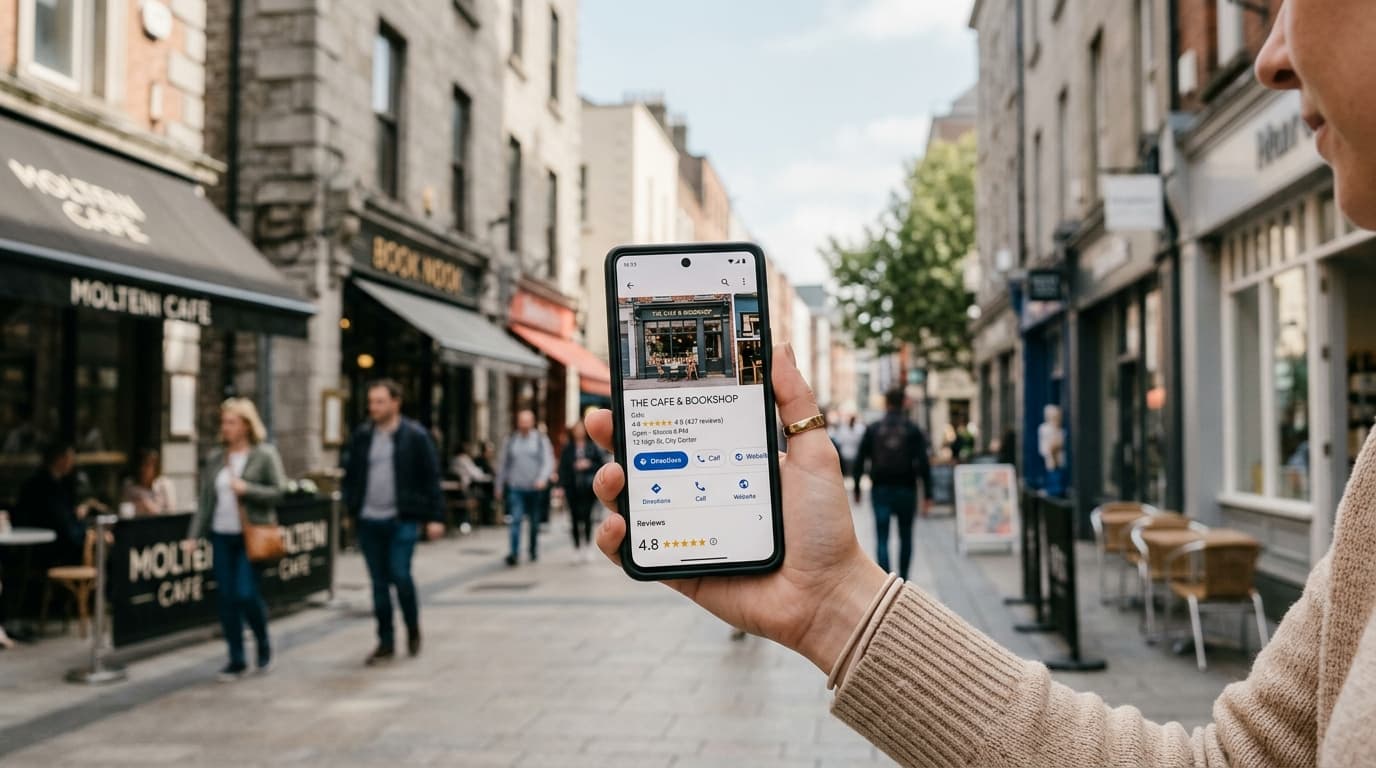
Open Google Maps on your phone and search for restaurants near you. Before you read a single word of any review, your eyes have already done most of the work. They've scanned the thumbnail photos, landed on the one that looks most like what you want to eat, and started building an opinion. That's how most potential customers experience your Google listing — visually first, everything else second.
Customer-submitted photos are the single most underused asset in local business reputation management. Most operators spend energy chasing star ratings and review counts without realizing that photo reviews are doing the heavier lifting on both SEO rankings and conversion rates.
Why Photo Reviews Are More Valuable Than Text-Only Reviews
The difference between a text review and a photo review isn't just cosmetic — it's structural. Text communicates opinion. Photos communicate evidence.
"Best croissants in the neighborhood" is a claim. A photo of a perfectly laminated, golden croissant on a morning counter is proof. For a first-time customer who's never been to your bakery, that proof dramatically lowers the purchase risk. They can see what they're going to get.
This translates to measurable behavior. Business profiles with more recent customer photos consistently generate higher click-through rates from Google search results, more requests for directions, and more direct calls compared to comparable businesses with fewer visual contributions. The social proof from customer photos — as opposed to your own marketing assets — carries higher credibility because it's unfiltered.
There's also a competitive signal at play. When a potential customer is comparing two similar businesses side by side on Google Maps, the one with fifty recent customer photos and the one with eight owner-uploaded images from two years ago do not feel equivalent — even if the star ratings are identical. Photos communicate activity, and activity communicates desirability.
How Google's Algorithm Treats Photo Reviews
Google's local ranking algorithm rewards engagement, freshness, and completeness. Customer photos hit all three signals simultaneously.
When a customer uploads a photo to your Google Business Profile, they're generating an engagement signal that tells Google: real people are visiting this business, having experiences worth documenting, and sharing them publicly. That's exactly the type of organic activity the algorithm is designed to surface.
Practically, this means:
- Better visibility in the Local Pack (the three-business feature block at the top of local search results)
- Higher click-through rate on your profile, which itself becomes a positive ranking signal
- More time spent on your profile, another signal that tells Google your listing is relevant to searchers
With all other factors equal, the business with more recent, diverse customer photos will outrank the one relying on a static set of owner-uploaded images. This isn't speculation — it's consistent with how Google rewards profiles that demonstrate ongoing customer engagement over profiles that were set up once and left alone.
The Types of Photos That Convert Browsers to Buyers
Not all photos contribute equally. The photos that drive the most customer decisions tend to share one quality: they answer a specific anxiety the potential customer has before they visit.
Restaurants and cafés: Real plates of food photographed by real customers under real lighting conditions. Slightly imperfect, clearly genuine. A polished food photo from a professional shoot reads like marketing. A customer's honest photo of their lunch reads like a recommendation from a friend.
Hotels and accommodation: Bedroom photos, bathroom shots, view from the window, and breakfast setup. Travelers have a deep need to know what they'll actually find — surprises in hotel rooms are rarely welcome. A photo of the actual bed linen or the real view from room 402 does more than any marketing copy.
Beauty and wellness businesses (salons, spas, barbershops): Atmosphere shots and service results. A photo of a finished haircut or a styled nail set that a satisfied client shares is the strongest possible signal for someone on the fence about booking.
Retail and food shops: Product photos in context — the pastry in the display case, the bouquet before it leaves the shop, the wine bottle someone's about to open at dinner. These create an emotional pull that inventory photos simply can't replicate.
The common thread: authenticity over perfection. Your target is consistent volume of genuine photos, not a curated gallery.
Five Tactics to Get More Photo Reviews
The main friction with photo reviews is that they require two additional steps compared to a text review: taking the photo and attaching it. Here's how to reduce that friction without making the request feel pushy.
1. Create photo-worthy moments. The most effective way to get photos is to give people something worth photographing. A beautiful dish presentation, an unusual packaging choice, a signature decoration in your space, or a seasonal display — anything that naturally makes someone reach for their phone. If your environment doesn't currently have these moments, creating one or two is worth the investment.
2. Ask for the photo directly. When you invite customers to leave a review (via QR code, SMS, or in person), add this simple phrase: "If you took any photos during your visit, feel free to add them to your review — it helps other customers a lot." This single addition meaningfully increases the rate of photo reviews from customers who already have photos in their camera roll.
3. Time your ask strategically. The best moment to request a review with a photo is immediately after the experience — when the customer is still at the location or has just left. This is when they're most likely to have fresh photos on their device and the experience top of mind. A review prompt at checkout, when customers often already have their phones out, catches them at exactly the right moment.
4. Acknowledge photo reviews publicly in your responses. When a customer leaves a review with a photo, mention it in your response: "Thanks for sharing that photo of the grilled sea bass — it's one of our chef's favorites too." This recognition encourages other customers who read your responses to do the same.
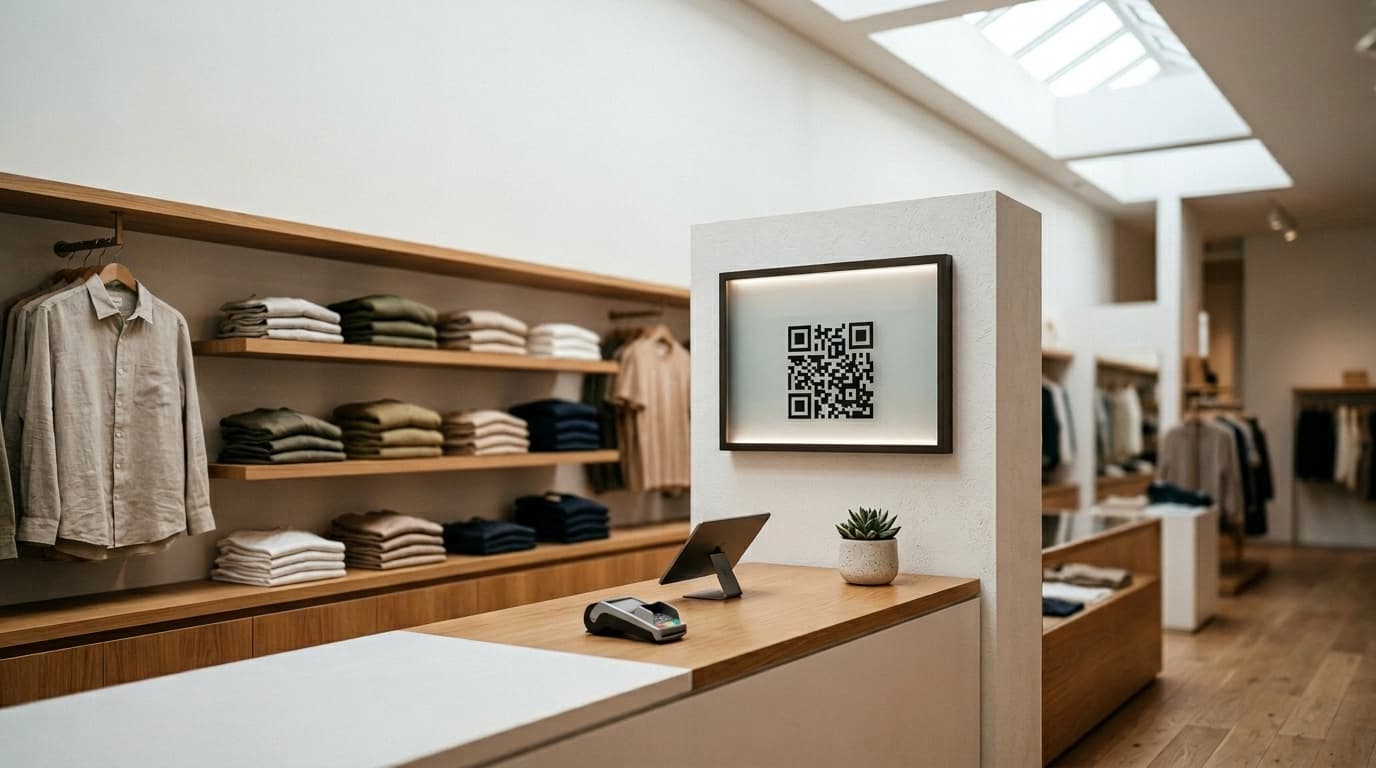
5. Position your QR code at the exit. At the moment of departure, customers have completed their experience and are most likely to have taken photos for their own social media. Placing a QR code review prompt at checkout or the exit catches them at peak motivation — camera roll full, experience fresh.
Combining Gamification With Photo Review Requests
The core challenge with any review collection is that the action requires customer effort but delivers immediate benefit only to the business. Gamification changes that equation by giving the customer something in return, right away.
A digital fortune wheel system like Ludofy's lets customers scan a QR code, submit their review, and spin for a chance to win a reward — a discount, a complimentary item, or an upgrade. The spin is immediate, fun, and personal. It converts the review from a favor into a two-sided exchange.
You can layer photo incentives into this mechanic: an extra spin or a separate prize tier for reviews that include a photo. This creates a natural, non-coercive incentive that increases both review volume and photo inclusion rates without any awkward staff requests. The customer sees it as part of the game, not as a negotiation.
Businesses using this approach typically see their Google profile photo count increase significantly within the first month — not because they changed their service, but because they changed the conditions around the ask.
Building Photo Reviews Into Your Long-Term Strategy
Photo review collection isn't a one-time campaign but an ongoing operational habit. Aim for consistent velocity rather than spikes: five photo reviews per week over three months will outperform fifty in January and nothing for the rest of the year — both for the algorithm and for the impression it creates on potential customers browsing your profile.
Audit your current photos quarterly: Do they reflect your current menu, space, or offerings? If your profile still shows photos from two years ago, you're letting competitors with fresher content take the position you should own. A business that renovated six months ago but whose Google profile still shows the old decor is actively undermining its own marketing.
Local businesses that build a steady stream of customer photos on Google are constructing a compounding advantage. The photos from last month make this month's customer more confident, which drives more visits, which generates more photos. It's a flywheel — but it only starts spinning once you build the systems to ask consistently.
If you're looking for a simple, ready-to-deploy system to start collecting more Google reviews and customer photos, Ludofy's QR-to-fortune-wheel platform can be live in under a day. No technical setup required. The results show up on your Google profile within weeks, and the competitive gap between you and the business next door starts closing from day one.