Turn every happy customer into a Google review
A fortune wheel. A QR code. 5 minutes to set up. Zero technical skills required.
The Customer Journey
5 simple steps to turn a satisfied customer into a verified Google review

Your customer scans. That's it.
After their meal, purchase, or appointment, your customer spots the QR code. On the table, at the counter, on their receipt. One scan, and they're in.

A quick action before they play
Before spinning the wheel, your customer leaves a Google review. 30 seconds. That's their ticket to play.
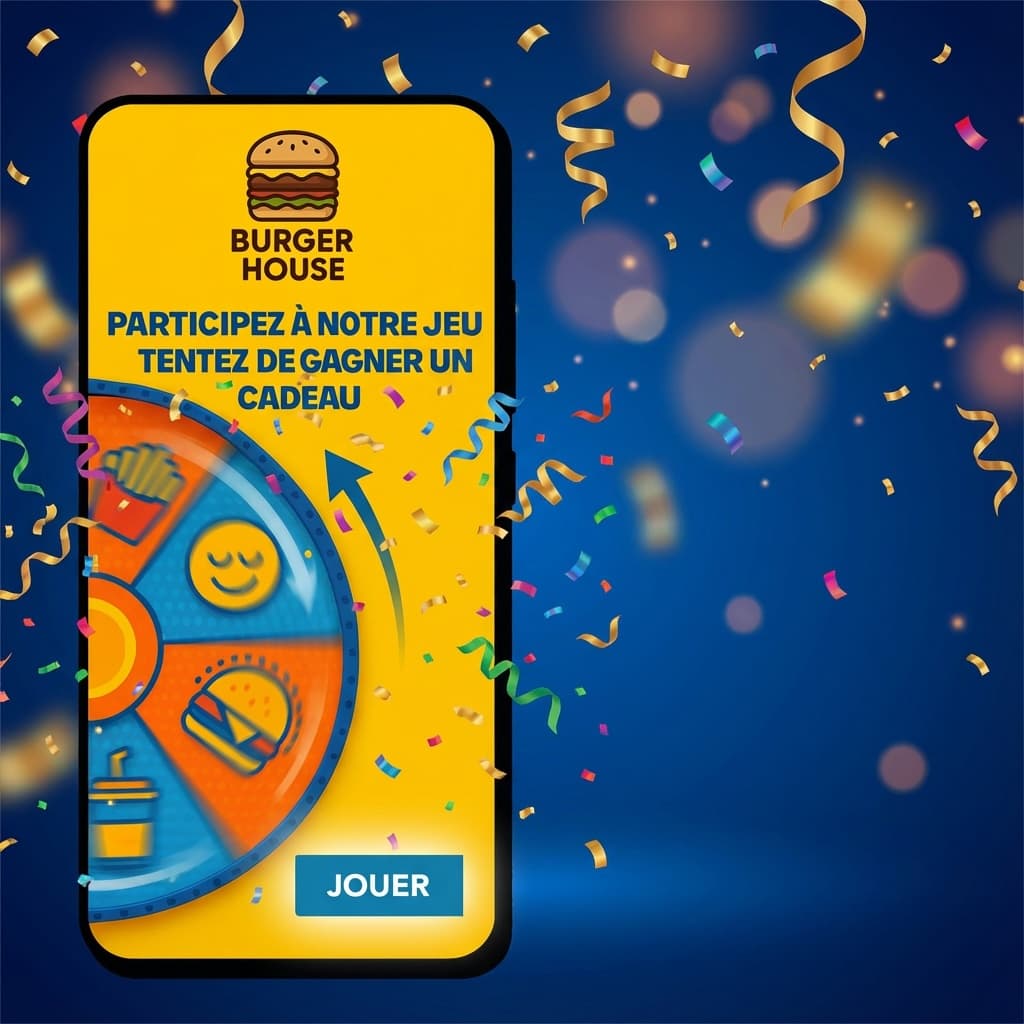
The magic moment.
A finger on the screen. The wheel spins. Confetti, suspense. They always win something. Because a customer who leaves happy is a customer who comes back.

The reveal.
"Congratulations! You won a free dessert!" (or 10% off, or a coffee, or a free consultation). Instant. Clear. Exciting.
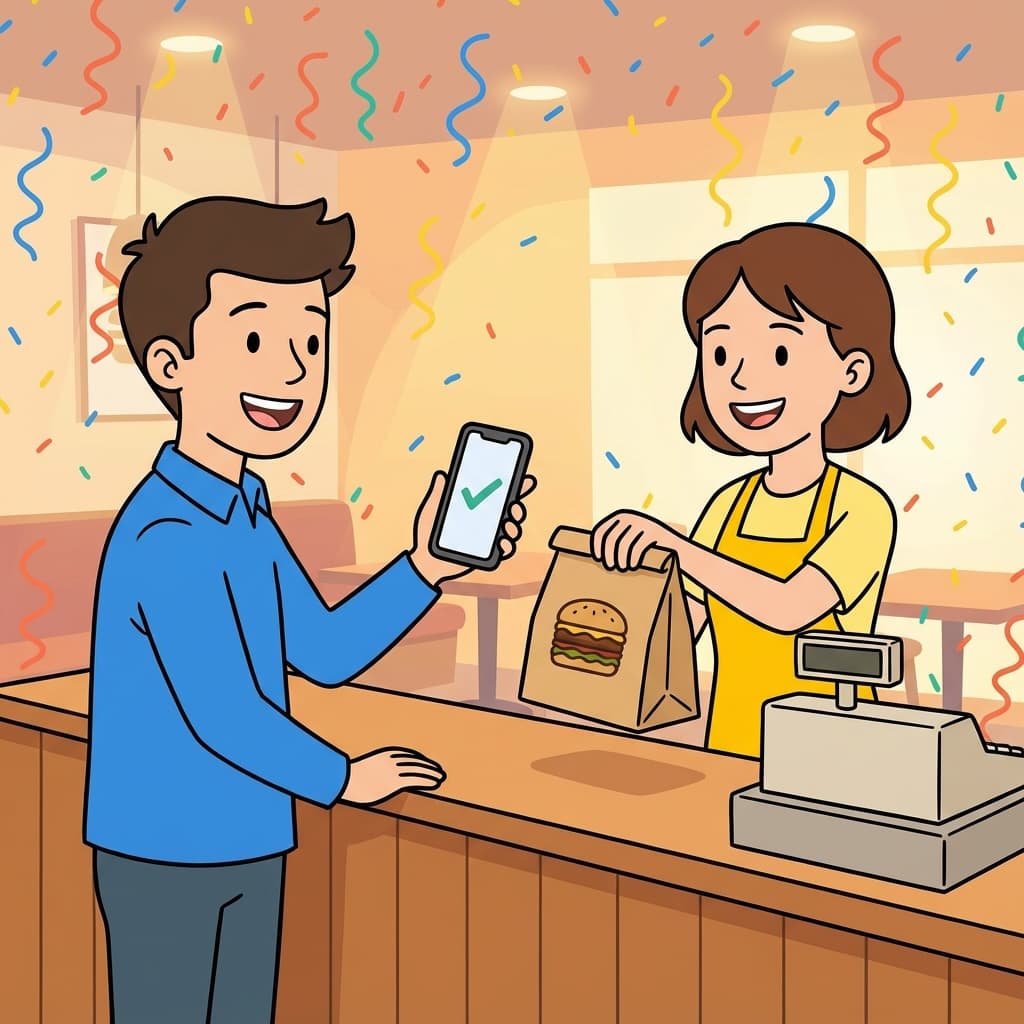
The guaranteed return.
When the customer comes back to claim their prize, a single tap on their phone validates the reward. No scan needed from your team. No time wasted. It's loyalty in disguise.
What You Control
Your dashboard. Your rules.
Prize Management
Add a prize in 20 seconds. "Free coffee", 100% odds for new customers. "iPhone 15", 0.1% to create buzz. Modify at will. Activate, deactivate.
Odds
You decide who wins what. 50% small prizes to build loyalty. 5% big prizes to get people talking. It's your strategy. We just give you the controls.
Configurable Actions
Google review, Instagram follow, Facebook like... Set up multiple actions. The customer does one per game, but can play again for the others.
Limits and Rules
One play per day per person. Or per week. Or unlimited. Valid only on weekends. Only for purchases over €20. Your rules, our technology.
5 minutes. On the clock.
From empty account to first customer spinning the wheel
Account Creation
Email, password, your business name. Set up in 5 minutes.
What you do:
- Fill in 4 fields
- Click the confirmation link
- Log in
What we do for you:
- Create your account
- Generate your QR code
- Prepare your dashboard
Prize Configuration
The prizes. The odds. The required action. We guide you through setting up what works in your industry.
What you do:
- Add your prizes (title + description)
- Set the odds (total 100%)
- Choose the action: Google, Instagram, Facebook...
- Set the prize validity period
Our support:
- We configure with you during signup
- Industry-specific advice
- Recommendations on prizes that work
- Support if you have questions
Receive Your Materials
We send you your display stands and QR codes. You place them on your tables, at the counter. Done.
What you receive:
- Display stands with QR code ready to place
- Different formats based on your needs
- Placement instructions (where it works best)
Final checklist:
- Prizes configured
- Odds set
- Actions chosen
- Materials received and installed
- Ready to collect reviews
Does it actually work?
Ask Best Food, a restaurant in Colombes (92)
Best Food
Dec 16, 2025
Jan 5, 2026
Jan 22, 2026
reviews in 37 days
stars gained
We were skeptical at first. 40 reviews in 20 days, we immediately continued.
Quick FAQs
Your first 50 plays are free
Test with your real customers. Watch your first reviews roll in. Decide after.