Most businesses treat QR code placement as an afterthought. They print a code, stick it somewhere visible, and assume customers will scan it when motivated enough. The result is usually the same: a handful of scans per week, no real improvement in review volume, and the quiet conclusion that "QR codes don't work for us."
The QR code is not the problem. Where and when a customer sees it determines almost everything.
The same business, same QR code, same Google review link — placed in five different spots — can produce five wildly different scan rates. This guide breaks down the placements that consistently convert, the ones that underperform, and the design principles that make a QR code display impossible to miss.
Why Placement Drives Results More Than the Code Itself
A QR code is just a link. The scan happens when three conditions align at once: the customer is emotionally receptive, they physically see the code, and the reason to scan is clear.
All three conditions have a timing component. Customers who just finished a great meal, received their haircut, or checked out of a boutique are in a temporary peak-satisfaction window. That window starts closing the moment they walk out the door and re-engage with their normal day. Any placement that catches customers inside that window outperforms placements that don't.
Research on review solicitation consistently shows that the 20–30 minutes immediately after service ends is when customers are most willing to leave a review. A QR code that reaches them in that window — before they drive home, before they open Instagram, before the experience fades — converts at a rate that placement outside the window simply cannot match.
The Six Placements That Actually Work
1. Checkout Counter or Payment Terminal Area
This is the single highest-converting placement for any brick-and-mortar business. The customer has just decided the experience was worth paying for. Positive feelings are at their peak. Attention is briefly free as they wait for the transaction to process.
Place a small display stand, tent card, or laminated card directly next to your payment terminal. The message should be short and specific: "Leave us a Google review — it takes 30 seconds." If you're offering a reward for reviewing, say so here. A customer about to put their card away is far more likely to pause and scan than a customer in the middle of their meal.
2. Table Tent or Tent Card (Restaurants and Cafés)
A well-designed table tent is visible throughout the customer's time at the table. The moment that matters, though, isn't when they sit down — it's when they ask for the bill. At that point, the meal is complete, satisfaction has crystallized, and the customer is mentally closing out the experience.
Make sure the QR code and the call to action are clearly visible on the side of the tent that faces the customer, not the wall. A line like "Spin the wheel and win a discount — scan before you go" works better than a generic "Leave us a review" because it adds a reason beyond goodwill.
3. Printed Receipt or Ticket
For quick-service restaurants, bakeries, and retail shops, printing a QR code at the bottom of the receipt reaches the customer while the paper is still in their hand. The experience is fresh, the customer is still at the counter, and they have the code right in front of them.
Keep the receipt CTA short: "Tell us about your visit — scan to share your opinion." If your POS system allows customizable receipt footers, this is one of the lowest-effort, highest-return placements available.
4. Exit Zone or Farewell Wall
A display near the exit door catches customers at the final moment before they leave. This placement works because exiting is a natural moment of physical and mental transition — the experience is wrapping up, a reflection is happening. A message like "Enjoyed your visit? Leave a review before you go — it means everything to us" lands well in that moment.
Keep the display at eye level. A sticker low on the door frame or a sign tucked behind the hostess stand will be missed. The goal is to be the last thing a customer engages with before stepping outside.
5. Product Packaging (Retail and Boutiques)
For shops where customers take something home, QR codes on the bag, box, or tissue paper create a second review opportunity. When a customer opens their purchase at home and is delighted by what's inside, that positive moment is ripe for a review ask.
This placement extends your review window by hours or even days beyond the in-store visit — something no in-store placement can do. A sticker on the bag reading "Love your purchase? Let others know — scan to share your experience" requires zero extra staff effort.
6. Staff Badge or Table Card (Server-Delivered)
The most personal placement is also the most powerful: a staff member directly showing the QR code during or at the end of the interaction. A card clipped to a lanyard or held briefly while settling the bill introduces a human element that passive displays cannot.
A server saying "If you enjoyed your meal today, you can scan this — you might win something on the wheel" creates a social moment. The customer feels personally addressed, not just processed. Conversion rates on personally delivered QR code prompts consistently outperform every passive placement.
Placements That Consistently Underperform
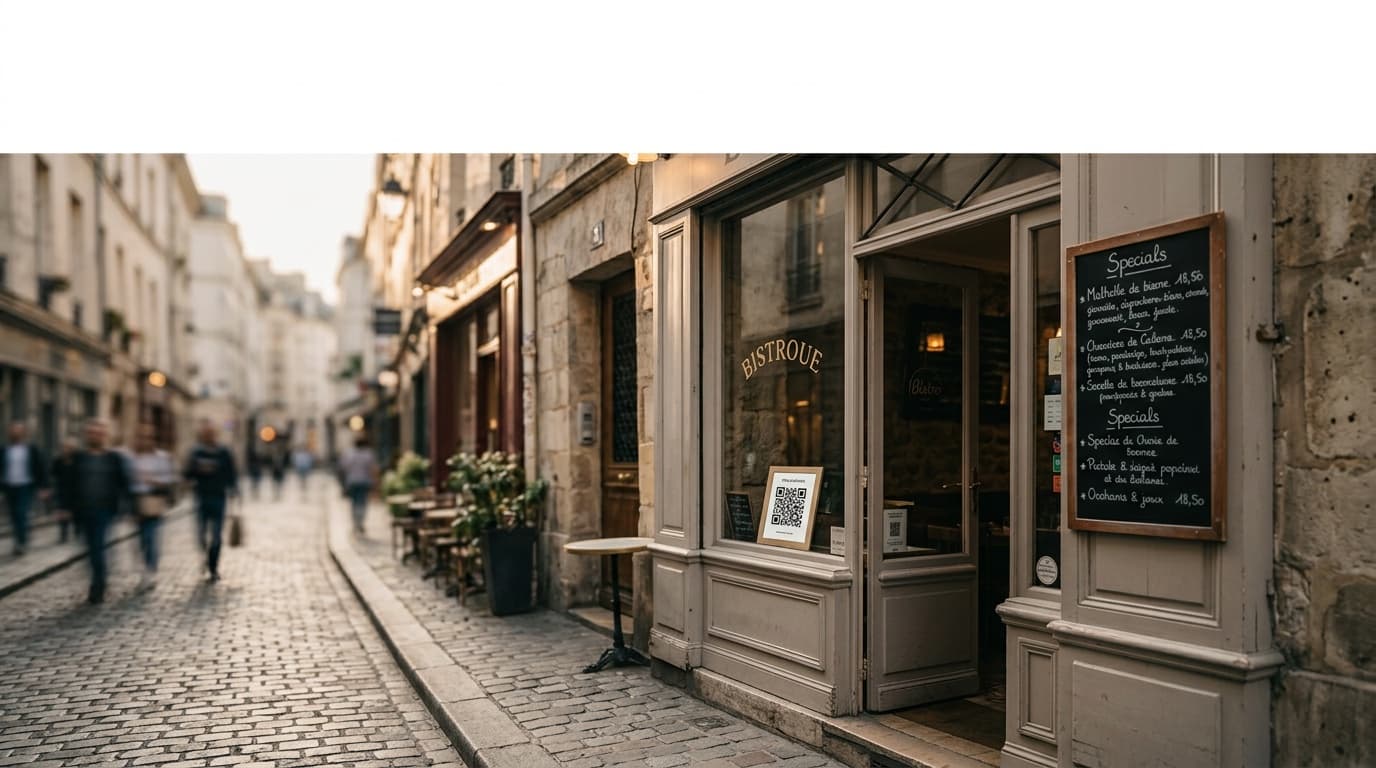
Outward-facing window stickers reach passersby who haven't experienced your business yet. No experience means no review motivation.
Menu inserts or inside-cover placements appear when the customer is in decision-making mode (ordering), not evaluation mode. Seen too early; forgotten by the time it matters.
Restroom placements suffer from an awkward context mismatch. The emotional state doesn't align with leaving a positive review.
Multi-code boards — a display with QR codes for Google, TripAdvisor, Instagram, and Facebook all in one spot — dilute attention. When customers have to choose, most choose nothing. One QR code per display, one clear purpose.
Design Principles for QR Codes That Get Scanned
The display surrounding the QR code matters almost as much as the placement.
Size: Minimum 4cm × 4cm for table-level displays. For wall signs or door-adjacent displays, 8–10cm is better. Cameras struggle with anything smaller than 3cm.
Contrast: Black modules on a white background. Branded colorways on the code modules reduce scan reliability — the visual identity should live in the surrounding frame, not inside the code itself.
Call to action: Be specific. "Scan to leave a Google review" consistently outperforms "Scan here." If there's a reward, name it: "Spin the wheel and win a discount." Specificity reduces hesitation.
One code per display: Never share space between Google, social media, and loyalty programs on a single card. Give each action its own dedicated placement.
How Gamification Multiplies QR Code Performance
A plain QR code linking to your Google review form converts at roughly 3–5% of customers who see it. Adding a gamification layer — specifically a digital fortune wheel that unlocks only after the customer completes the review — consistently pushes that conversion rate to 20–35%.
The mechanics work for two reasons. First, a prize or discount gives customers a personal incentive beyond goodwill. Second, the game mechanic reframes "leaving a review" as "playing a game that also helps a business." That psychological shift removes the reluctance many customers feel about writing something.
This is the core of how Ludofy works: a QR code links to a fortune wheel that only spins after the customer submits a Google review. The prize — a discount, a free item, a lucky draw entry — is delivered instantly by email. The customer wins something, you gain a verified review. The placement of the QR code determines who enters that loop. The gamification determines how many of them complete it.
Testing and Iterating on Placements
Create separate QR codes for each physical placement rather than using a single code everywhere. Most review collection tools, including Ludofy, allow multiple unique codes tied to the same campaign, with individual scan tracking for each.
A simple four-week test:
- Weeks 1–2: QR code at checkout counter only
- Weeks 3–4: Add table tents
Compare scan totals and review velocity for each period. Operators who track placements this way typically identify one or two locations responsible for 80% of their reviews — and eliminate everything else.
Placement Is the Foundation
The gap between a business stuck at 40 reviews and one that gains 30 new reviews every month is rarely a quality gap. It's almost always a systems gap. The QR code placement is the first and most important part of that system — it decides who sees the invitation to review, at what moment, and with what motivation.
Start with the checkout counter. Add a table tent if you're a restaurant. Test a receipt strip. Once you know where your customers are most receptive, layer in a gamification mechanic with Ludofy to convert that receptiveness into reviews at a rate that compounds month over month. Good placement brings customers to the door of the review funnel. Gamification is what walks them through it.