Every local business owner has heard the advice: ask your customers for Google Reviews. The question is never whether to ask — it's how, and through which channel, and when.
SMS is fast, personal, and gets read within minutes. But it has a real ceiling: you need phone numbers, and in many contexts — restaurants with online reservations, hotels, beauty salons, service businesses — email is actually the richer, more actionable channel. It's also the one most operators set up once, forget about, and never get value from.
This guide covers everything you need to build a working email review sequence: timing, copy, structure, tools, and where it fits alongside your in-venue strategy.
Why Email Works — and Why Most Operators Get It Wrong
Email open rates for transactional messages from local businesses hover around 30–45%. That's dramatically higher than cold email but lower than SMS. The tradeoff is that email readers are more deliberate. They read when they have a moment. And a customer who chooses to open your email at 9pm on the couch is in a very different — and much better — headspace for leaving a review than someone who gets a text ping while rushing out the door.
The other advantage of email is contextual richness. You can remind the customer of the specific experience they had: the date, the meal, the treatment, the staff member who helped them. That specificity is what converts a "maybe I'll do it later" into a published review. It reactivates the emotional memory of the experience.
Where operators go wrong is in treating review request emails like newsletters. They write long, corporate-sounding messages, fill them with disclaimers, add five images, and bury the call-to-action at the bottom. The result is a 1% click rate and a frustrated business owner who concludes "email doesn't work."
Email works. The email most people send doesn't.
The Right Timing: The 24-to-48-Hour Window
The moment your customer walks out the door is not the right time to ask for a review. They're in motion, transitioning, their attention already on what's next.
The ideal window is 24 to 48 hours after the visit. The experience is still vivid, the positive emotions are intact, and the customer is now relaxed enough to do something about it. Behavioral research backs this up — people rate experiences most generously in the brief period after the emotional peak settles into a positive memory.
Beyond 72 hours, your conversion rate drops sharply. The experience fades. New priorities fill the mental queue.
Practical timing by business type:
- Restaurant with online reservations: trigger the email at J+1, in the late morning
- Hotel: send the post-stay email the morning after checkout
- Hair or beauty salon: 24 hours after the appointment, not before the next booking reminder
- Home service (plumber, electrician): same evening or the following morning
If your booking system allows conditional sends — i.e., only send to customers who didn't cancel or complain — use them. Don't ask for a review from someone who had a problem. Target your happiest customers first.
Anatomy of an Email That Actually Gets Clicked
A review request email is not a campaign. It's a conversation. Here's the structure that converts:
Subject line: Short, personal, low-pressure
Avoid: "We need your review!" or "Help us grow!"
Try: "How was your visit, [First Name]?" or "Thank you for joining us Thursday"
Body:
- One genuine thank-you sentence — not a template, not "on behalf of the whole team"
- A specific callback — reference the date, the service, something memorable
- The ask — direct and brief — "30 seconds on Google would mean a lot to us"
- One button — a direct link to your Google review form
- A personal sign-off — your first name, not "The [Business] Team"
Here's a concrete example for a restaurant:
Hi Sarah,
Thanks so much for coming in last Friday evening — we hope the sea bass was everything you hoped for. It was a busy service and we genuinely appreciate you choosing us.
If you had a good time, a quick review on Google would help us enormously. It takes about 30 seconds.
[Leave a Review →]
Thanks, James, owner of The Copper Pot
That's it. No images. No disclaimers. No three-paragraph intro about the restaurant's history. Short, warm, direct.
Build a Three-Step Sequence
One email is good. A sequence is significantly better — without being annoying. The key is segmenting by behavior: only follow up with customers who didn't act on the previous email.
Email 1 — Day 1: The Main Ask
The email above. Warm, personal, single CTA.
Email 2 — Day 5: The Soft Nudge
Send only to customers who opened but didn't click, or who didn't open at all. Keep it even shorter:
"Hi Sarah — just following up in case my earlier message got buried. If you have a spare moment to leave us a Google review, here's the link: [Leave a Review →]. No worries if not — just wanted to make it easy."
The phrase "just wanted to make it easy" is psychologically important. It removes the feeling of obligation, which paradoxically increases follow-through.
Email 3 — Day 10: The Gamified Option
For customers who still haven't acted, change the offer entirely rather than repeating the same request:
"As a thank-you for your visit, we'd love to give you something back. Spin our fortune wheel for a chance to win a reward — and if you're happy to leave us a review, it only takes a minute. [Spin the Wheel →]"
This third step works especially well for businesses already using a gamification tool like Ludofy, where the wheel mechanic is already part of the customer experience. The email just extends that experience to customers who missed it in-venue.
Tools That Make This Simple
You don't need an enterprise marketing stack. Here's what works for local businesses:
For restaurants and hotels:
- OpenTable / Resy / SevenRooms: Most have built-in post-visit email workflows. Configure your review request there and plug in your Google review link
- Brevo (formerly Sendinblue): Affordable, excellent for small lists, with visual automation builders that can trigger emails based on a "visit date" field you update manually or via import
For salons and appointment-based services:
- Vagaro / Booksy / Mindbody: All support post-appointment automated emails. Check your settings — most operators have never turned this on
- Mailchimp with date-based triggers: If you maintain a simple customer list, a date trigger (N days after the "last visit" field) handles the rest
Getting your Google review link: Go to your Google Business Profile → click "Get more reviews" → copy the direct link. This opens the review form in one tap on mobile. Always link directly here — never to your general Google profile page.
What Email Can't Do — and Where In-Venue Gamification Fits
Email works brilliantly as a follow-up layer. But it has one fundamental limitation: it operates after the experience, when the customer has already left. It relies on motivation surviving the gap between the great meal and the quiet moment at home.
The most powerful review collection strategy pairs email with an in-venue trigger. This is exactly what Ludofy is built for. A QR code on your table or counter launches a branded fortune wheel — customers spin it while they're still in the moment, right after the experience peak, and the review happens because it's embedded in something fun rather than requested as a chore.
Customers who didn't engage with the wheel in-venue — maybe they were in a rush, or they came during a quiet period — are exactly who your email sequence is designed for. The email catches what the wheel missed.
Together, the two channels cover the full post-visit window: the immediate in-venue moment and the 48 hours that follow. That combination is what separates a business generating 5-10 reviews per month from one generating 30-40.
The Compound Effect of Consistency
The biggest mistake businesses make with review email sequences is treating them as a campaign — something you run for a few weeks, measure, and then stop.
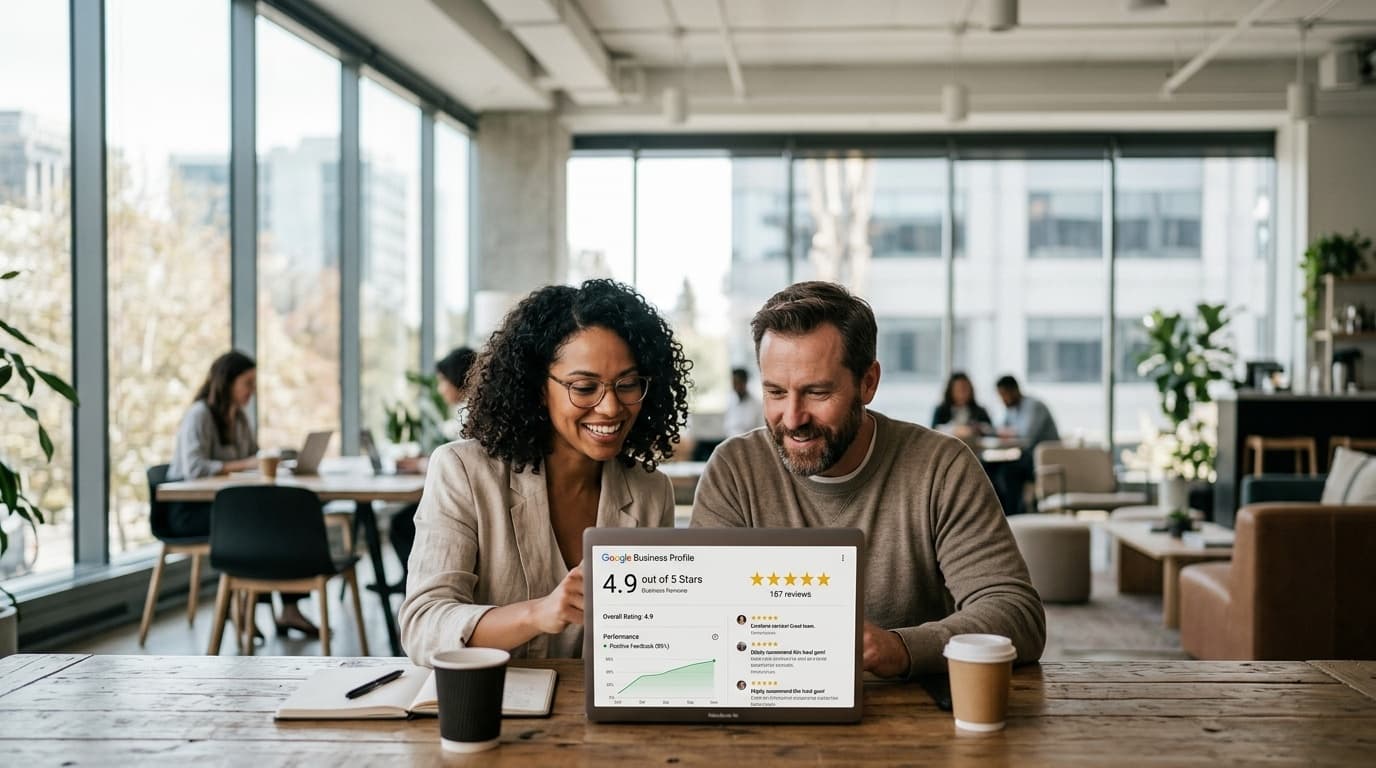
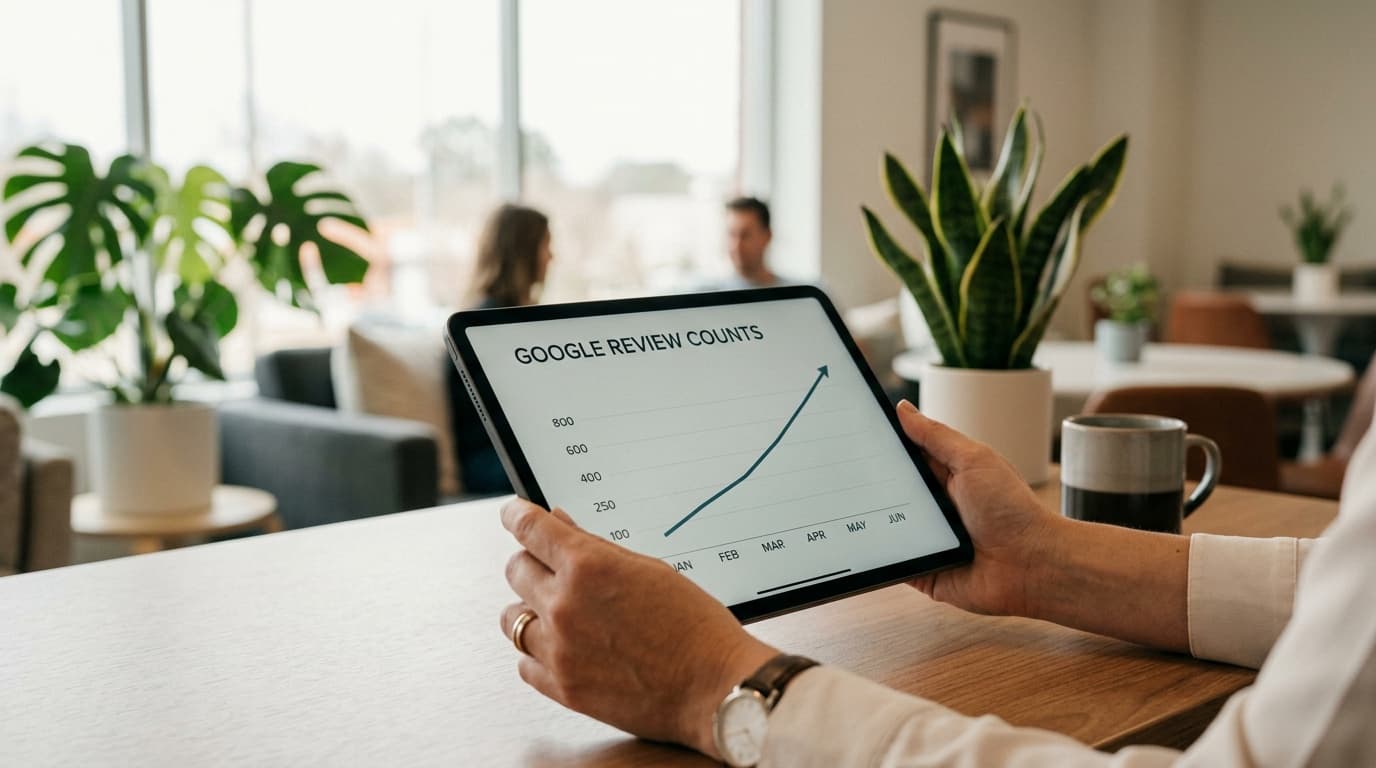
Review collection through email works through compounding. Every week, a small number of customers receive your sequence. A percentage of them leave a review. Those reviews accumulate in your Google profile, improving your rating, boosting your local ranking, and bringing in more customers who will, in turn, receive your sequence.
The operators who see the most dramatic results are those who set it up once, tune the subject lines based on open rates in the first month, and then let it run untouched for a year. The setup investment is a few hours. The payoff is a review machine that runs without you.
Configure your sequence this week. Then stop thinking about it.