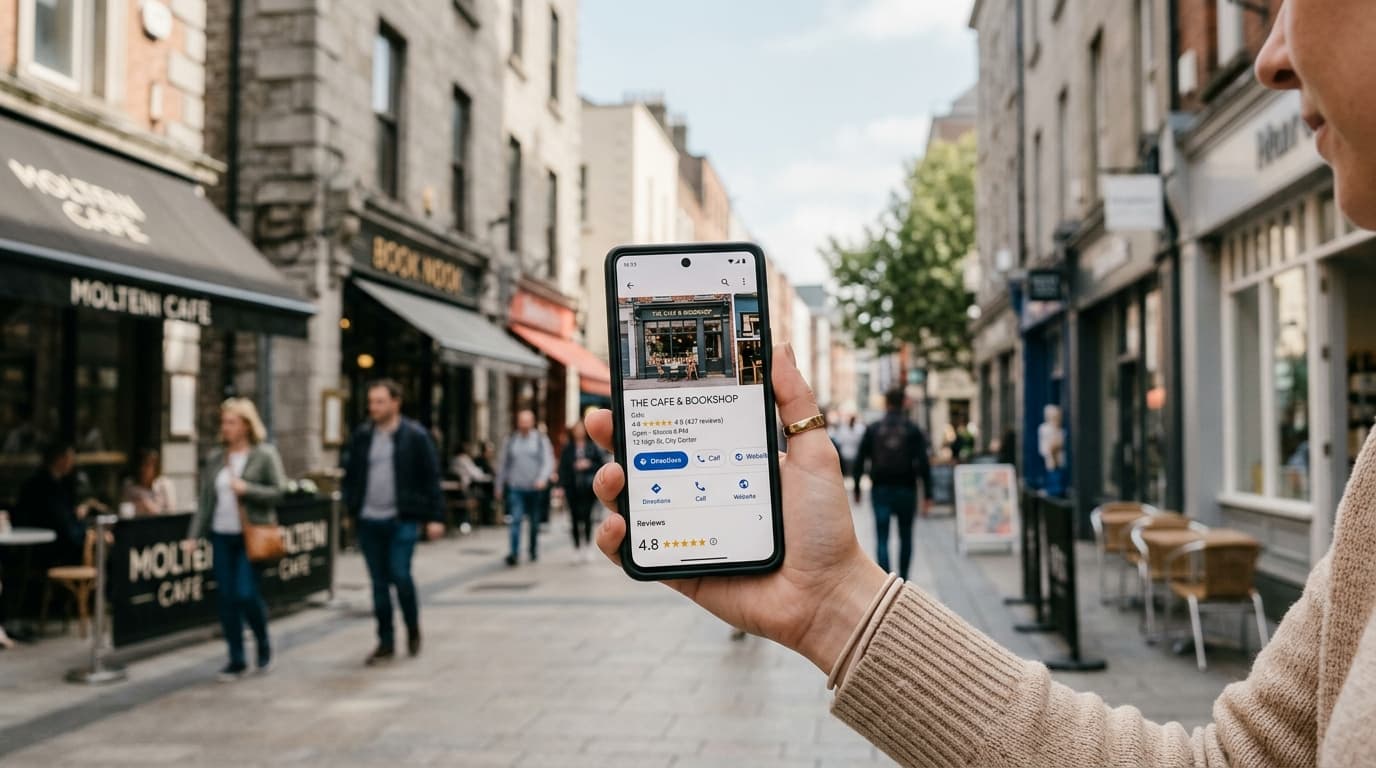
When someone moves to a new city, buys their first e-bike, or needs urgent repairs before a weekend ride, their journey almost always starts the same way: a Google search. "Bike shop near me." What they see next — your star rating, how many reviews you have, and what recent customers said — determines whether they walk through your door or scroll to a competitor.
For bike shops and cycling stores, Google reviews carry outsized weight. Customers are making significant purchase decisions. A quality road bike costs anywhere from $800 to $5,000. An e-bike can push $4,000 and beyond. Before spending that kind of money, buyers read reviews carefully. They want to know: Are the mechanics knowledgeable? Is the staff helpful with beginners? How long does repair work take? Is pricing transparent?
The challenge is that most bike shop owners are too busy wrenching on bikes to build a review strategy. This guide gives you a practical, actionable playbook.
Why Bike Shop Reviews Work Differently
Unlike a restaurant where a customer arrives, has an experience, and is ready to review within the hour, a bike shop has multiple distinct touchpoints — and each one requires a different approach.
The bike purchase: A customer who has spent 45 minutes testing bikes and talking through options with a knowledgeable staff member is in a peak emotional state at the moment of sale. This is a natural review window.
The repair pickup: A customer drops off their bike with a problem, and your mechanic solves it. When they pick it up and test the fix, satisfaction peaks. This is often the highest-converting moment for review requests in any service business.
Seasonal servicing: Spring tune-ups and pre-winter checkups are relationship-affirming moments. The customers who come back year after year are your warmest advocates — and the ones most likely to leave detailed, helpful reviews.
Accessories and parts: Quick transactions (helmets, locks, pumps, lights) have lower individual review intent, but they happen frequently. Even a small percentage converting to reviews adds up over time.
Understanding these touchpoints is the foundation of a review collection system that works consistently, not just when you remember to ask.
The Best Moments to Ask for a Review
Timing is the single biggest variable in whether a customer leaves a review. The sweet spot is within a few minutes of a positive interaction — not hours later via email when the emotional moment has passed.
After a repair: The mechanic who fixed the problem should feel comfortable saying, before handing the bike back: "If you're happy with the work, it would mean a lot if you left us a quick Google review." A QR code on the repair receipt, or a small card tucked in the bag, removes all friction.
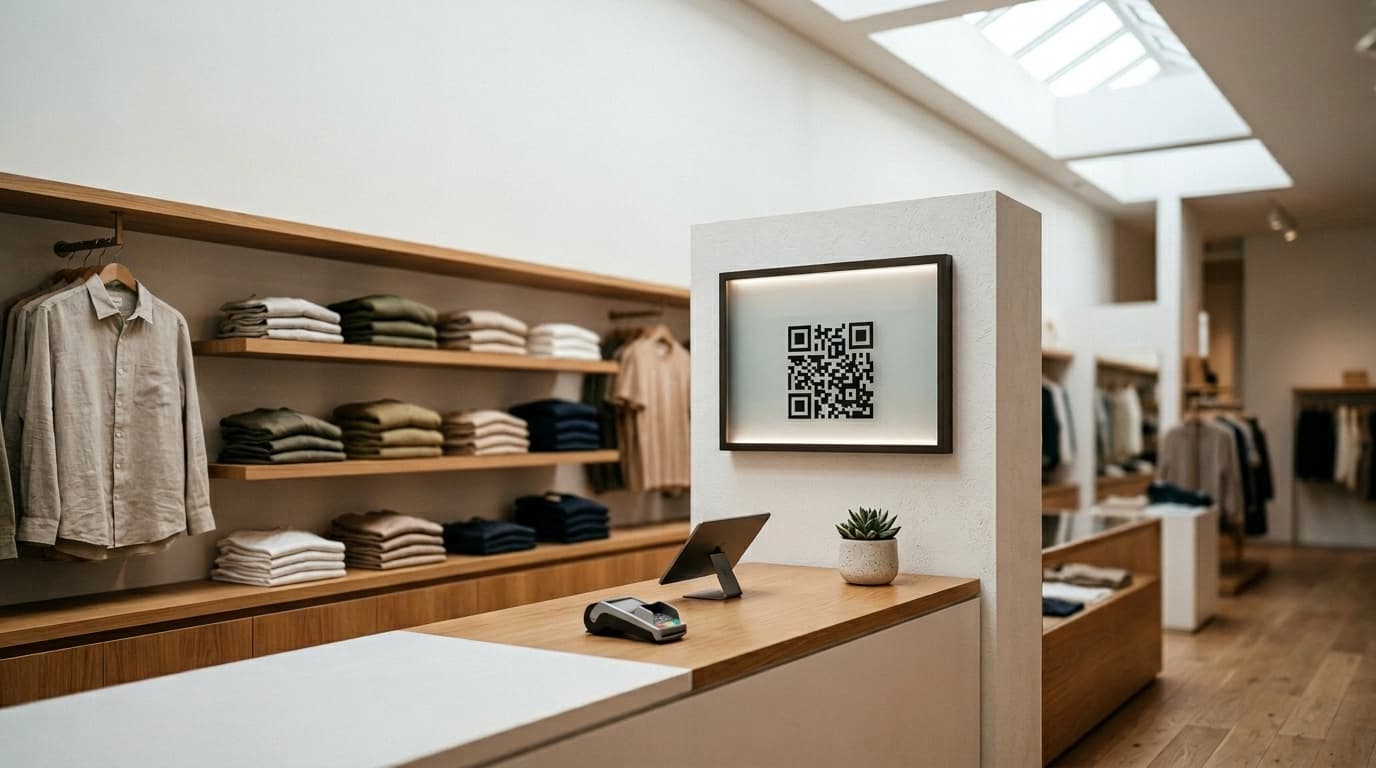
After a bike sale: The customer is excited. They're ready to tell someone about their new bike. A QR code at the counter — or a card slipped into the box — gives them a channel for that enthusiasm before it fades.
After seasonal service: Reach out via SMS or a reminder at pickup: "Your bike is ready for the season. If we took good care of it, here's how to let others know."
The key principle: ask when the satisfaction is highest, and make the action as simple as possible. A QR code that opens directly to your Google review form takes four seconds to use. That matters.
QR Code Placement That Actually Works
QR codes eliminate the friction of asking customers to search for your business on Google. The goal is to place them where customers naturally pause with their phone in hand.
The cashier counter: This is non-negotiable. Every transaction ends here. A small QR code stand with a short message ("Loved your experience? Leave us a review!") converts reliably across all transaction types.
On repair receipts: Print a QR code directly on invoices, with a single line: "Happy with the work? Tell Google." Customers who are satisfied enough to come pick up their bike are already warm.
In the waiting area: Customers waiting for a quick adjustment or air fill often have their phone out anyway. A wall-mounted QR code with a note captures this idle attention.
On branded packaging inserts: A small card included in any bag or box, featuring your QR code and a note from the team, reinforces the ask in a non-pressured way.
Gamification: Why the Fortune Wheel Works in Bike Shops
One of the most effective techniques for increasing review rates at retail counters is the gamified fortune wheel. The mechanic is the idea: a QR code at checkout links to a digital spin-the-wheel game. The customer is invited to spin for a chance to win a small reward — a discount on their next service, a free accessory, or store credit. To unlock the spin, they're invited to first leave a Google review.
This approach works for several reasons:
- It gives customers an immediate, tangible reason to act right now
- It creates a fun, memorable moment at the end of an already-positive transaction
- The reward is tied back to your shop — a service discount means another visit
- It reframes the review request from "please do this favor" to "here's something fun for you"
Businesses using this model consistently see review request conversion rates 3–5x higher than direct verbal asks alone.
Responding to Negative Reviews Like a Professional
Even the best-run bike shop gets occasional negative reviews. A repair that took longer than quoted. A bike that came back with a minor issue. A miscommunication on pricing. These things happen.
What matters is how you respond publicly. A thoughtful, professional response shows potential customers that you take quality seriously and stand behind your work. Key principles:
- Respond within 24 hours — speed signals that you're engaged and that you care
- Acknowledge the experience without being defensive — "That's not the standard we hold ourselves to"
- Offer a specific resolution — "Please call us at [number] so we can make this right"
- Keep it short — one paragraph, not an essay; this is for future readers, not just the reviewer
- Never argue facts publicly — even if the customer is wrong, you won't win that argument in a way that looks good to potential customers
Shops with a handful of 3-star reviews and thoughtful owner responses often outperform shops with a higher average rating and zero owner engagement.
Local SEO: Ranking for "Bike Shop Near Me"
Google's local search algorithm weighs three main factors: relevance, distance, and prominence. Reviews directly influence prominence. More reviews, a higher average rating, and consistent recent review activity all push your listing higher in local map pack results.
Specific language in reviews also sends signals. When customers mention "e-bike repair," "road bike fitting," or "mountain bike parts," Google reads those as relevance signals and becomes more likely to surface your listing for those specific queries.
A realistic target for a busy shop is 8–12 new reviews per month. At that pace, your listing stays fresh, ranks competitively, and builds a compelling public record of consistent quality — the kind that converts a first-time searcher into a walk-in customer.
Building Your Review Engine
The bike shops winning in local search aren't necessarily the ones with the best mechanics. They're the ones who've built a consistent system for turning satisfied customers into reviewers.
With the right QR code placement, a clear moment to ask, and a gamification layer that makes the process engaging rather than awkward, any bike shop can build a reputation that fills both the showroom and the repair workshop year-round.
Ludofy provides a purpose-built platform for local businesses like bike shops to collect Google reviews through a branded QR code fortune wheel — no technical setup required, and measurable results typically visible within the first two weeks of use.