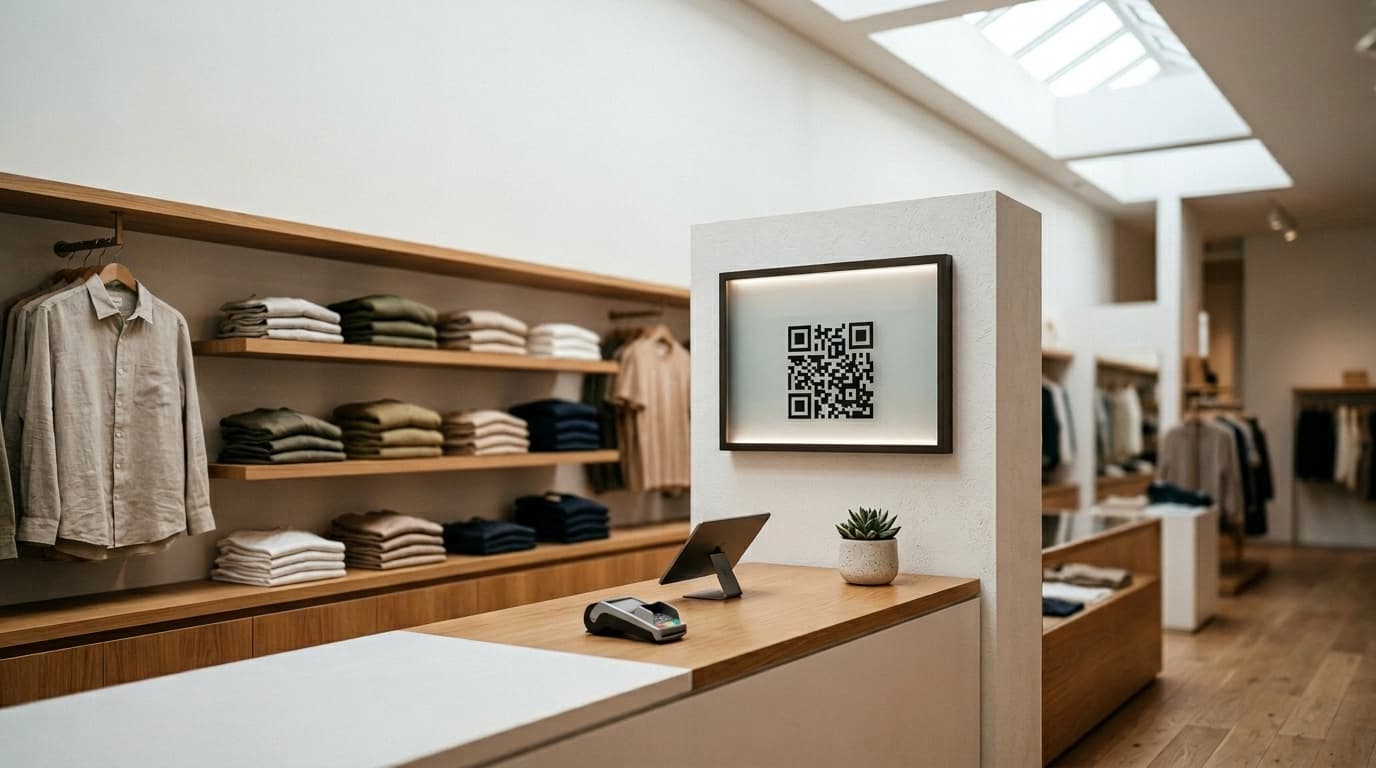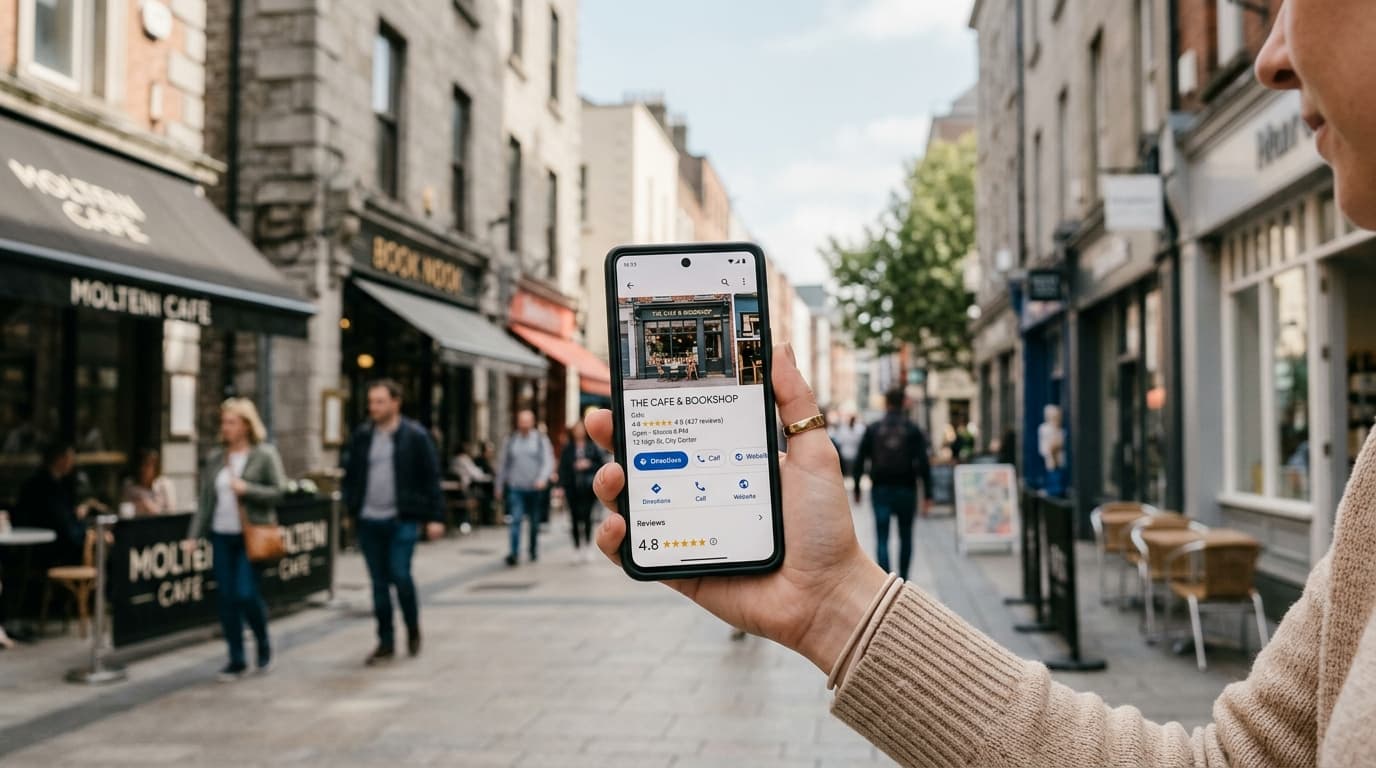
You've been asking for reviews. You respond to them. You've put up a QR code near the register. But your business still doesn't show up when someone nearby searches "best coffee shop near me" or "nail salon open now."
In most cases, the problem isn't your reviews. It's your Google Business Profile.
A well-optimized GBP is the infrastructure that makes every review you collect count. Without it, you're pouring effort into a leaky bucket. With it, even a modest stream of recent, consistent reviews can push you past competitors who have twice as many but half the profile quality.
Here's how to build the foundation correctly — and keep it working.
Why Google Business Profile Matters More Than Most Owners Realize
Google's local algorithm ranks businesses based on three factors:
- Relevance — does your profile match what the user searched for?
- Distance — how close is your business to the searcher?
- Prominence — how well-known and trusted is your business online?
You can directly control relevance and prominence through your profile. Distance is fixed — you can't move your restaurant. Maximizing what you can control is the entire game.
Step 1: Claim and Verify Your Listing
Before anything else, confirm that you own and have verified your listing. Go to business.google.com, search for your business name, and complete the verification process. Google typically verifies via postcard, phone call, or video.
If a listing already exists for your business but you haven't claimed it, do so immediately. Unclaimed listings often contain outdated or incorrect information, and strangers can suggest edits that go live on your profile without your knowledge or approval.
Step 2: Choose Your Categories Precisely
Your primary category is the single strongest signal you send to Google about what your business is. Be as specific as possible:
- Not "Restaurant" → "Pizza Restaurant" or "French Bistro"
- Not "Beauty Salon" → "Hair Salon" or "Nail Salon"
- Not "Gym" → "Yoga Studio" or "CrossFit Box"
Add secondary categories for complementary services — takeout, delivery, catering. But don't dilute your primary category by going too broad. Precision beats coverage: Google trusts a tight signal more than a fuzzy one.
Step 3: Fill Every Field Without Exception
Google rewards complete profiles. Go through each section systematically and leave nothing blank.
Core information:
- Business name — exactly as it appears on your signage, with no keyword stuffing
- Full address including suite or unit if applicable
- Local phone number (not a call-tracking number as your primary)
- Website URL
- Accurate hours — and update them for holidays, seasonal changes, or temporary closures
Business description: You have 750 characters. Use them to explain who you are, who you serve, and what sets you apart. Work in natural keyword phrases ("family-owned Italian restaurant in downtown Austin," "walk-in nail salon serving Midtown Manhattan") without forcing them. This is context, not ad copy — Google reads it differently.
Attributes: Depending on your business type, Google offers dozens of checkboxes: outdoor seating, free Wi-Fi, wheelchair accessible, accepts credit cards, LGBTQ+ friendly, delivery available. Each checked attribute helps you surface when customers filter their search. These small details influence click decisions more than most owners expect.
Step 4: Add Photos Consistently Every Week
Businesses with photos on their GBP receive 42% more direction requests and 35% more website clicks than those without, according to Google's own data. Frequency matters as much as quality — a steady stream of recent images signals an active, well-maintained business.
Aim to add at least one new photo per week. Rotate through:
- Exterior shots, both daytime and evening
- Interior atmosphere, seating areas, counter
- Your signature dishes, products, or service setups
- Staff in action (with their permission)
Avoid stock photos entirely. Google's systems can often detect them, and customers definitely can. An imperfect but authentic image outperforms a polished generic one every time.
Step 5: Own the Q&A Section
The Questions & Answers section on your GBP is almost universally neglected by local businesses. That neglect is a real opportunity — this section appears prominently on your profile and directly shapes purchase decisions.
Start by posting the questions your customers ask most often at the front desk or counter, then answer them yourself:
- "Do you take walk-ins, or is it by appointment only?"
- "Is there parking nearby?"
- "Do you offer gluten-free or vegan options?"
Monitor this section every week. Any Google user can post a question or an answer — and incorrect community answers can go live on your profile without your knowledge. An unchecked Q&A section is a liability.
Step 6: Build a Systematic Review Collection Process
An optimized profile sets the stage. Reviews deliver the actual ranking impact. But the critical word here is systematic — Google's algorithm rewards businesses that receive reviews consistently over time, not those that get a burst of reviews once and then go quiet.
The challenge: asking for a review verbally at checkout converts at roughly 2–5%. Customers say yes, then forget by the time they get home. A business serving fifty customers a day could theoretically collect dozens of reviews per week — most collect two or three.
The most effective fix is making the review request feel like an opportunity, not a favor. A gamified mechanic — like a digital fortune wheel where customers spin to win a discount, a free item, or a small prize — consistently pushes conversion rates to 20–30%. The game creates a moment of genuine engagement, and the review becomes part of the experience rather than an awkward afterthought.
A QR code at the point of payment makes this frictionless: the customer scans, spins, wins something, and is guided naturally to leave their Google review. No awkwardness. No pressure. Just a fun moment that ends with a real review on your profile.
Step 7: Respond to Every Review You Receive
Every owner response sends a signal to Google that your business is active and engaged. It's a low-effort, high-impact habit that most businesses underinvest in.
For positive reviews, respond with genuine and personalized thanks. Reference the specific dish, service, or detail the customer mentioned when possible — it shows you actually read it. For negative reviews, stay professional, acknowledge the issue without being defensive, and offer a concrete path to resolution.
Aim for a 100% response rate. Algorithmically, it improves your prominence score. Socially, a prospective customer reading your reviews watches how you handle criticism just as closely as they watch your star rating.
The Compounding Effect: Optimized Profile × Consistent Reviews
A well-built Google Business Profile amplifies the impact of every review. Conversely, even 200 five-star reviews will plateau inside an incomplete profile. Neither works as well without the other.
Businesses that get both right — accurate categories, fresh photos, complete attributes, consistent review flow, active responses — tend to dominate their local area within three to six months. This isn't a hack; it's what happens when you give Google everything it needs to trust and rank you.
This is the exact loop Ludofy is built to power: a QR code at your checkout drives a gamified review experience that feeds your Google profile with fresh, authentic reviews week after week — while you focus on running your business.
Start by auditing your profile today. Every empty field is a ranking signal you're handing to a competitor down the street.