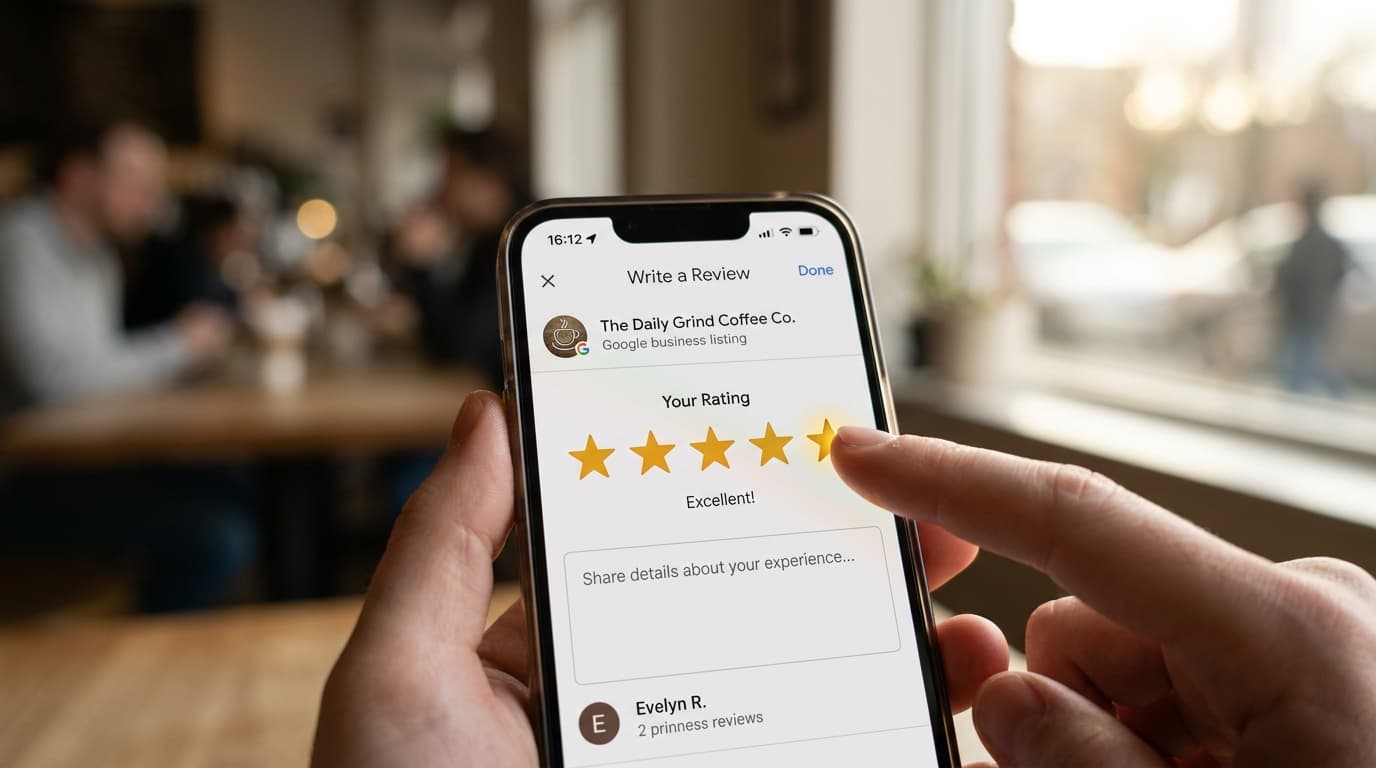
It's 11 PM on a Friday. You've just closed down after a packed service. Your phone shows seven new Google reviews received since noon — six are positive, one is a frustrated 2-star. Writing a thoughtful, personalized response to each of them could take you 30 minutes you simply don't have.
This is the daily reality for most independent restaurant owners, shop managers, and service providers. And yet, not responding to Google reviews carries real costs: weaker local rankings, lost trust from prospective customers, and a reputation that erodes slowly but steadily.
AI tools — ChatGPT, Gemini, Claude — now make it possible to write faster, better review responses without a dedicated marketing team. But using them without a system can backfire. Here's how to get it right.
Why responding to every Google review matters more than ever
Google's local ranking algorithm gives measurable weight to how consistently and thoughtfully a business responds to reviews. Studies on Google Maps ranking factors show repeatedly that businesses that engage with their reviews outperform similar businesses that don't — both in visibility and in click-through rate from search results.
Beyond the algorithm, there's the human dimension: 89% of consumers read the business's responses to reviews before deciding where to spend their money. A well-crafted response to a 3-star review can turn a cautionary signal into clear evidence of professionalism. A string of unanswered 5-star reviews, on the other hand, signals indifference toward loyal customers — which prospective customers notice.
In 2026, review response management has graduated from optional to operational. It belongs on the weekly task list alongside restocking and staff scheduling.
What AI genuinely does well in this context
Generative AI tools have three real strengths when it comes to writing review responses.
Speed. A well-constructed prompt produces a usable first draft in seconds. For a business receiving ten reviews per week, that's 35 to 45 minutes recovered — time that goes back into running the business.
Vocabulary diversity. One of the most damaging patterns in review responses is robotic repetition: the same opening phrase, the same structure, the same sign-off, week after week. Prospective customers reading your review history notice this immediately. AI can generate ten genuinely distinct variations on a thank-you message, making your response thread feel alive and human even at volume.
Emotional neutrality on negatives. Responding to a hostile 1-star review at the end of an exhausting shift is a recipe for PR damage. AI produces a draft that stays measured and professional even when the original review isn't — and you can then edit it to add warmth.
Where AI falls short — and what you need to supply yourself
Generic outputs without context. Ask ChatGPT to "respond to this positive Google review" with no additional context, and you'll get something that could have come from any business anywhere. Without a prompt that describes your brand voice, your business type, and the specific details of the review, the output won't feel like you — and returning customers will know.
Duplicate content risk. Pasting AI-generated responses directly without editing creates unnatural homogeneity in your response history. Over time, Google may register this pattern as a signal against your local SEO performance. Small edits — two or three per response — are enough to break the repetition.
Missing brand voice. Your restaurant, shop, or studio has a distinct personality. AI defaults to a neutral, professional register. Without explicit instructions, it produces responses that are technically correct but forgettable — the written equivalent of a corporate hold message.
Step-by-step: using ChatGPT or Gemini to write review responses
Step 1: Build a business context prompt
Write a description of your business in three to five sentences — do this once and reuse it every time:
"You are the owner of a contemporary French bistro in Lyon. Our tone is warm, direct, and never overly formal. We care about local ingredients, genuine hospitality, and making every customer feel like a regular."
Step 2: Paste the review and add specific instructions
"A customer left the following Google review: [paste review text]. Write a response of 60-80 words that thanks them by referencing something specific they mentioned. Use their first name if it's included in the review."
Step 3: Edit before you publish — every single time
Read every AI draft before publishing. Change two or three things to make it sound like you. Catch any generic phrase and replace it with something specific to your business or to what the customer said. This step takes 90 seconds and makes the difference between a response that builds loyalty and one that reads like a form letter.
Step 4: Build a prompt library for different review types
Create separate prompts for: enthusiastic 5-star reviews, 4-star reviews with constructive suggestions, justified negative reviews, and unfair or aggressive reviews. Rotate between them to keep your responses genuinely varied.
Five common mistakes that undermine the approach
1. Publishing AI drafts without editing them. A generic response published verbatim can feel colder than no response at all — particularly if it misses something the customer clearly cared about.
2. Never including your business name or specialty. Google indexes your response text as part of your local search profile. Naturally incorporating your name, neighborhood, or a defining characteristic boosts your keyword relevance without any extra effort.
3. Using AI only for positive reviews. Negative reviews are the ones that most influence prospective customers' decisions — and therefore the ones where a well-crafted response carries the most weight. Don't skip them.
4. Using the same prompt every time. Predictable prompt → predictable outputs → responses that start to look identical. Vary your instructions and your phrasing to keep the outputs fresh.
5. Not including the full review text in your prompt. If a customer specifically mentions your weekend brunch menu and your response doesn't acknowledge it, the response signals you didn't actually read the review. AI includes those specifics only when you paste the full review text into the prompt.
Sample prompts that produce strong results
For a 5-star review:
"The following Google review was left for my business: [review text]. Write a warm, genuine response of 50-70 words. Reference one specific thing the customer mentioned. If their name is included, open with it."
For a negative review:
"The following critical Google review was left: [review text]. Write a calm, professional response of 70-90 words that acknowledges the issue, avoids sounding defensive, proposes a solution or invites the customer to return, and closes warmly. Do not include any phrasing that could read as a justification."
For a 4-star review with suggestions:
"A customer left a 4-star Google review: [review text]. Write a response of 60-80 words that thanks them genuinely, acknowledges their suggestion without being defensive, and lets them know their feedback is taken seriously. Invite them back."
Pairing AI responses with a strong collection strategy
Responding quickly and well to reviews only matters when you have enough reviews coming in consistently. Most local businesses struggle on the front end: they don't collect reviews at a steady rate because they don't have a system that requests them at the right moment — right at the peak of a positive customer experience.
That's the problem Ludofy solves. The gamified fortune wheel turns the end of every customer interaction — checkout, table payment, service completion — into a review collection opportunity, with conversion rates that routinely exceed 20% compared to the 2-5% ceiling of direct verbal requests.
More reviews, fresher reviews, a higher overall rating — and then you use AI to respond to them efficiently. Pair Ludofy's collection engine with a structured AI response workflow, and you have a complete reputation management system that takes less than an hour per week to maintain. That's realistic even for the busiest independent business owners, and it compounds over time into a genuinely durable competitive advantage on Google Maps.