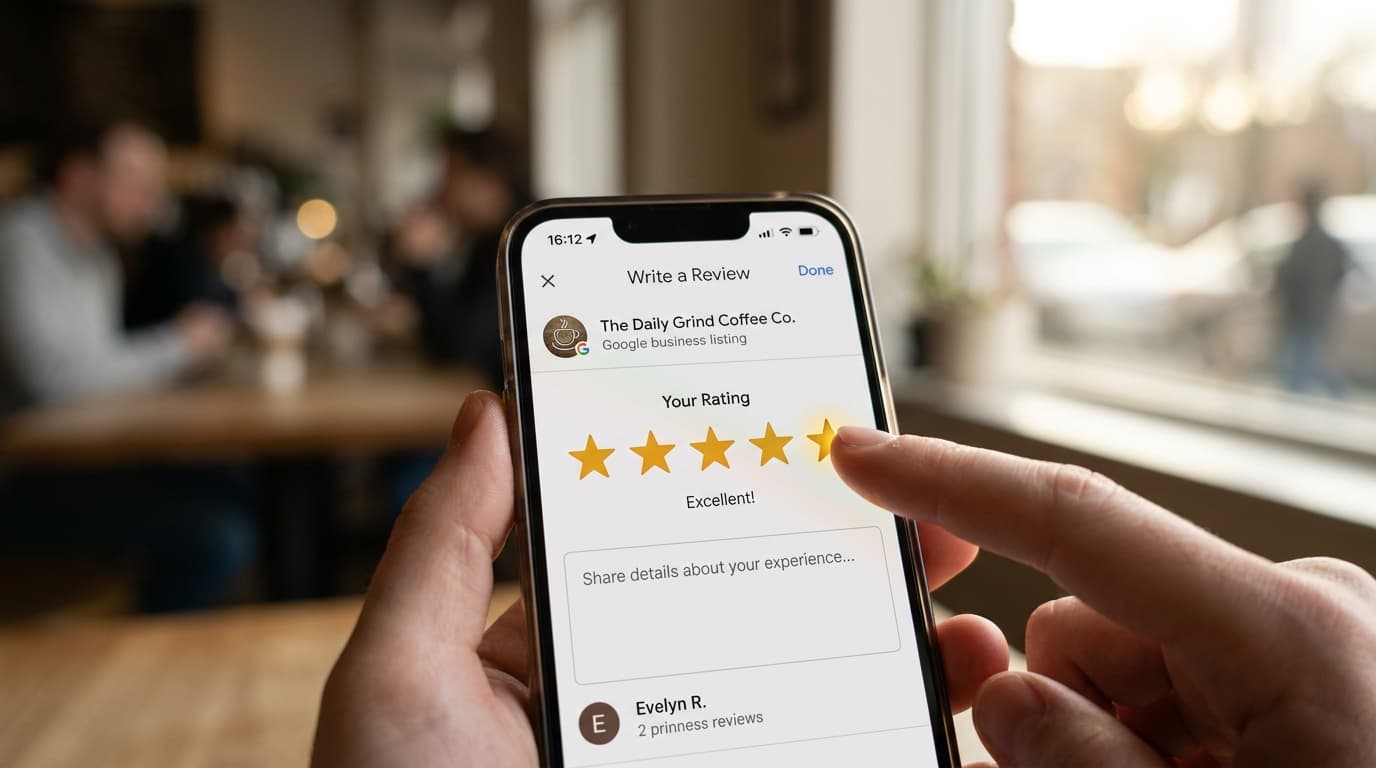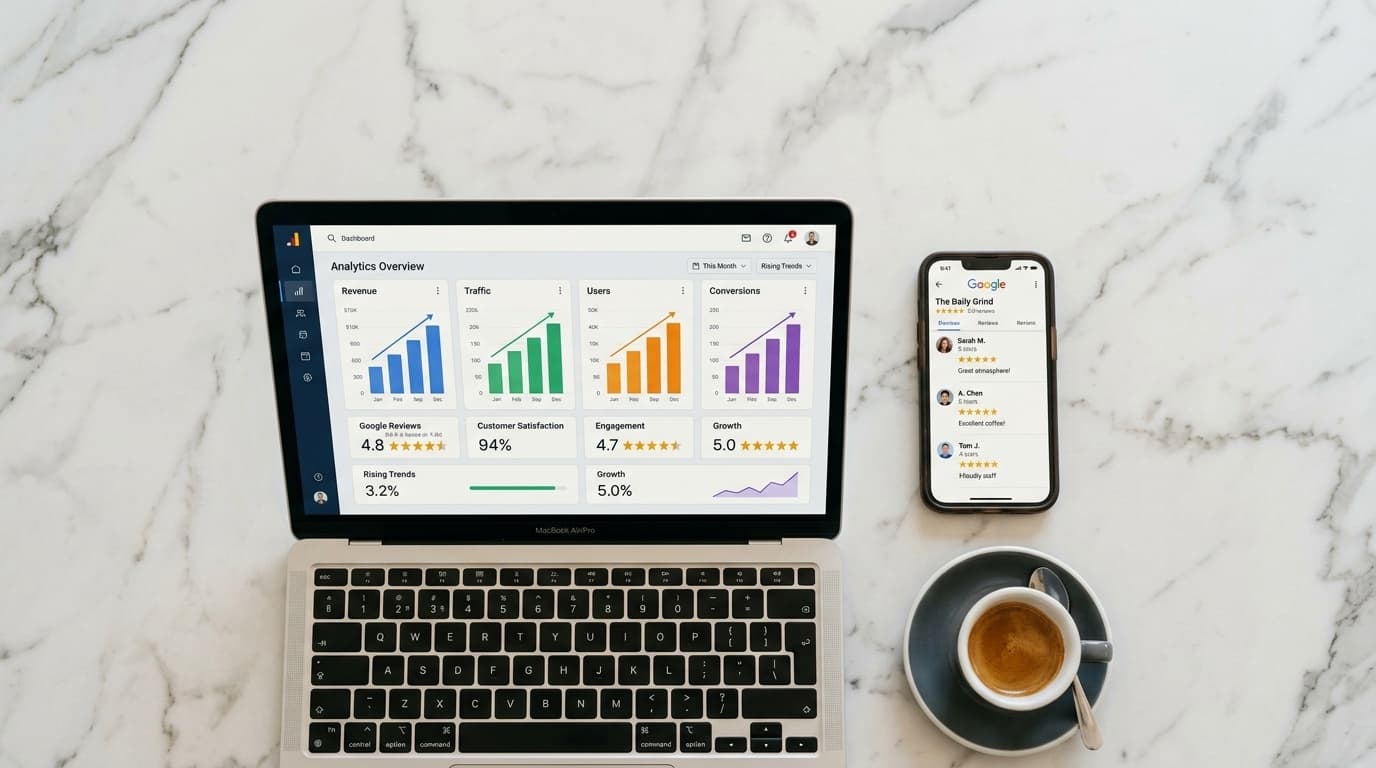
Most local business owners treat their Google Reviews and their Google Ads as two completely separate projects. Reviews go in the "online reputation" bucket. Ads go in the "paid marketing" budget. The person managing campaigns rarely looks at the review profile, and the person chasing reviews never thinks about CPCs.
That separation is costing you money — every single month.
Your Google review profile has a direct and measurable impact on the performance of your paid search campaigns: through a mechanism called Seller Ratings, through its effect on click-through rates, and through the way social proof influences conversion on your landing pages. Understanding how these levers connect changes how you should prioritize your review collection strategy.
What Seller Ratings are — and why they matter
Seller Ratings are a Google Ads extension that displays your star rating and review count directly inside your search ads. You've seen them: those golden stars that appear beneath a business's ad headline, alongside something like "(312 reviews)."
You don't buy them or configure them manually. Google applies them automatically to eligible businesses. The eligibility criteria are straightforward:
- At least 100 unique reviews in the past 12 months
- An overall rating of 3.5 stars or higher
- Reviews from sources Google aggregates (Google Business Profile is the primary one)
When your ads qualify for Seller Ratings, the performance impact is significant. Google's own data and independent research consistently show that ads displaying star ratings generate 17 to 20 percent higher click-through rates than equivalent ads without them.
A higher CTR is not just a vanity metric. It feeds directly into Google's Quality Score — the algorithm that determines both how often your ad shows and what you pay per click. Improved Quality Score means better ad positions at lower CPCs. The same monthly budget stretches further. More visibility, more clicks, a lower cost per customer acquired.
The 100-review threshold: what it really means for your budget
Put the math into concrete terms.
A restaurant running €500 per month on Google Ads, without Seller Ratings, might average a 4% CTR on branded searches. With Seller Ratings active, the same campaign might reach 5% — a 25% relative increase. If the average CPC is €0.60, that's roughly 185 additional clicks per month from the same budget, delivered to an audience that already sees a strong review count before they arrive on your page.
The review threshold doesn't just unlock an extension. It triggers a compound improvement across CTR, Quality Score, and conversion rate simultaneously.
Google Local Service Ads: where reviews aren't optional
For businesses in eligible categories — plumbers, electricians, locksmiths, cleaning services, pest control — Google Local Service Ads (LSAs) operate on a fundamentally different model. Reviews aren't just helpful here; they're a prerequisite for competitive placement.
LSAs appear above standard search ads. Your ranking within the LSA block is determined partly by review count and average rating. A cleaning service with 85 reviews and a 4.8 average will consistently outplace a competitor with 12 reviews and a 4.4 average, regardless of bid strategy.
If your business operates in an LSA-eligible category and you haven't built a review base, you're not just underperforming in organic results — you're ineligible for the highest-visibility ad format Google offers.
Social proof on your landing page
The conversion chain doesn't end when a customer clicks your ad. It continues on your landing page — and for many local businesses, the de facto landing page is the Google Business Profile itself, especially when people search on mobile.
A GBP that surfaces 200 recent reviews converts organic and paid traffic at a meaningfully higher rate than one with 15 reviews from three years ago. The intent behind someone clicking a local business ad is often transactional — they're close to a decision. Review volume and recency are among the most influential factors at that decision point.
Improving your review profile doesn't just help your Google Maps ranking. It improves the conversion rate on every click you pay for.
The practical path from where you are to Seller Ratings
The 100-review threshold feels large if you're starting from 20 or 30. But it's more achievable than it looks when you replace passive review collection — asking verbally, hoping — with an active system at the point of sale.
Audit your current position. Check your Google Business Profile for your current review count and average rating. Then check your Google Ads account under "Ad extensions" or "Assets" — if you don't see Seller Ratings data reported, you haven't qualified yet.
Calculate your velocity gap. If you're at 40 reviews and averaging 3 new reviews per month, you'll reach the threshold in roughly 20 months. If you can systematically increase that to 25 new reviews per month — achievable for a business serving 50 or more customers per day — you close the gap in under three months.
Install a system that runs without effort. The most effective review collection systems don't depend on staff remembering to ask or customers remembering to follow through. A QR code at the point of payment, linked to a gamified flow that gives customers a reason to scan in the moment, consistently outperforms verbal requests by a factor of five to ten.
Monitor both metrics together. Once you cross the Seller Ratings threshold, track CTR changes in your Google Ads account alongside your weekly review volume. The correlation becomes visible within weeks.
Ludofy was built for exactly this compounding chain. Businesses using Ludofy's fortune wheel at the point of sale typically reach the 100-review threshold in 60 to 90 days — fast enough that the Seller Ratings extension activates within the same quarter you deploy it. The ad budget you're already spending starts working harder, with no additional spend required.
Your reviews and your ads were never two separate projects. Now you have a system that treats them as one.