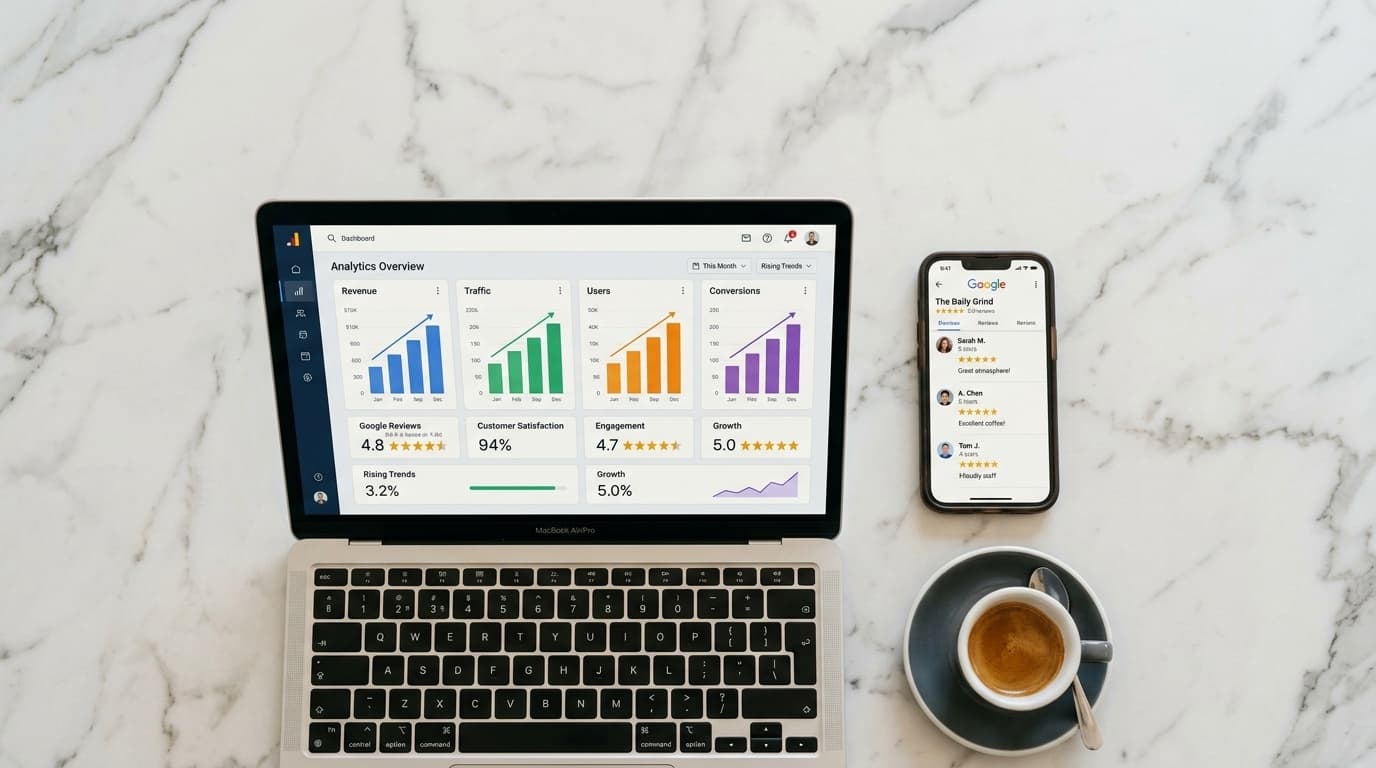
You've worked hard to collect Google reviews. Your profile shows a solid 4.8-star rating with dozens of enthusiastic testimonials. But here's the problem most business owners miss: the vast majority of people who visit your website never navigate to Google to check your reviews.
They arrive on your homepage, scroll for a few seconds, and either convert — or leave. Your reviews, sitting behind a separate platform, never get the chance to do their job.
Displaying your Google reviews directly on your website fixes that. Here's how to do it, and why it's worth prioritising today.
Why On-Site Reviews Convert Better Than Off-Site Reviews
When a potential customer visits your website, they're already somewhat interested. They just need a reason to commit. Reviews provide exactly that reason — but only if the visitor sees them.
Research consistently shows that displaying reviews on product and service pages can increase conversion rates by 20–35%. More importantly, showing reviews on your booking or contact page removes the friction of "let me check Google first before I call." That friction is where you lose customers.
There's also an indirect SEO benefit: a steady stream of authentic, keyword-rich testimonials adds textual richness that search engines reward.
Three Ways to Embed Google Reviews on Your Website
1. Use a Google Reviews Widget (Best for Most Owners)
Third-party widgets connect to your Google Business Profile via the Google Places API and automatically pull your latest reviews into a customisable display on your site. No coding required.
Popular options include:
- Elfsight Google Reviews — drag-and-drop interface, from €5/month
- Trustmary — conversion-focused layouts with built-in A/B testing
- Embedsocial — works across Google, Facebook, and TripAdvisor
- ReviewsOnMyWebsite — clean and affordable for independent businesses
Setup typically takes 15–30 minutes: create an account, connect your Google Business Profile, choose a layout (carousel, grid, or list), and paste a code snippet into your site. Most popular website builders — WordPress, Wix, Squarespace, Shopify — have dedicated plugins that make this even simpler.
Key features to look for:
- Auto-updates as new reviews come in
- Filtering (hide reviews below 4 stars to manage brand perception)
- Reply display (showing your responses reinforces professionalism)
- Mobile-responsive design
2. Use the Google Places API (For Developer-Enabled Teams)
If you work with a developer or web agency, directly querying the Google Places API gives you full creative control. You can display reviews in a way that perfectly matches your brand typography, colours, and layout.
Note that Google's Terms of Service require clear attribution and prohibit presenting a curated selection as if it were a complete picture of your reviews. Labelling a section "Selected Reviews" or "Featured Testimonials" satisfies this requirement.
3. Manual Testimonials (The No-Cost Fallback)
For static websites or very tight budgets, manually copying select reviews onto a dedicated testimonials page is a valid starting point. Include the reviewer's first name, star rating, and a "Source: Google" attribution. It's more maintenance work, but it costs nothing.
Where on Your Website Reviews Have the Biggest Impact
Not all placements are equal. These four locations consistently produce the highest lift:
1. Just below your homepage headline. Visitors form impressions in under 3 seconds. A single line — "★★★★★ Rated 4.9 by 380 customers" — placed immediately beneath your main headline establishes credibility before anything else is read.
2. Next to your primary call-to-action button. Whether that's "Book a Table," "Request a Quote," or "Order Now" — a review carousel alongside your CTA directly addresses the hesitation that prevents clicks. It answers the unspoken question: is this place actually good?
3. On your services or menu pages. When a visitor is reading about a specific dish or treatment, showing reviews that mention that particular item is far more convincing than generic praise. Most widgets support keyword filtering to make this easy.
4. On your contact or booking confirmation page. This is the last moment of doubt before a customer commits. A well-chosen review saying "they responded within an hour, completely seamless" can be the nudge that closes the booking.
How Many Reviews You Need Before It Makes Sense
Displaying too few reviews can backfire — fewer than 10 visible reviews signals low traffic or a brand-new business. Useful benchmarks:
- 25+ reviews: Start displaying in a modest section
- 50+ reviews: Enable a carousel format with genuine variety
- 100+ reviews: Consider a star-rating badge in your header or footer ("⭐ 4.8 based on 127 reviews")
If you're below 25 reviews, your most valuable action right now is accelerating collection — not thinking about display.
The Challenge That Comes Before Display: Getting Enough Reviews
Many business owners know they should display reviews, but simply don't have enough good ones yet to make it worthwhile. The fundamental problem is collection rate. When businesses ask verbally, only 2–5% of satisfied customers actually follow through and publish a review.
That's where Ludofy changes the equation. By placing a QR code at checkout or on your counter, you invite customers to spin a digital fortune wheel for an instant reward — a discount, a free item, a priority booking slot. After spinning, they're naturally guided to leave a Google review as part of the experience.
The gamification mechanic transforms a forgettable request into a fun moment customers remember. The result: businesses using Ludofy collect 15 to 30 times more reviews than those relying on verbal requests alone. That's a steady flow of recent, authentic reviews — exactly the kind worth displaying on your website.
Staying on the Right Side of Google's Policies
A few compliance points to keep in mind:
- Never fabricate or alter reviews. Even paraphrasing without attribution violates Google's policies.
- Always attribute to Google. Display the Google logo or a "Source: Google" label with each review.
- Don't cherry-pick to mislead. Showing 5 glowing reviews while hiding 40 average ones creates a reputational risk if customers notice the discrepancy.
- Keep content current. Reviews from 3–4 years ago carry less weight with today's visitors. Aim to surface reviews from the past 12 months wherever possible.
Most widgets handle attribution automatically with a built-in "Powered by Google" badge, so this primarily applies to manual implementations.
Turn Your Reviews Into a 24/7 Sales Tool
Your Google reviews aren't just a score on a third-party platform. They're the most credible marketing content you have — written by real customers, in their own words, about real experiences.
The businesses winning locally right now are the ones displaying that content where it counts: on their own site, at every moment of hesitation in the customer journey. They're also the ones collecting reviews systematically — not sporadically — so their social proof stays fresh and relevant.
Ludofy helps you build the review volume worth displaying, through a customer experience that turns every visit into an opportunity. Start your free 14-day trial and see your first new reviews arrive within 48 hours.